Switching from Discord
Switching from Discord
Missived does much of what your Discord server does, keeps your members' data out of the advertising business, and adds a few things Discord doesn't have. Here is an honest side-by-side, what moving looks like, and how to keep both running while your people decide.
Side by side
| Discord | Missived | |
|---|---|---|
| Who it's built for | Everyone, at enormous scale. | Communities, churches, creators and gaming guilds, and businesses of every size, from a team of five up to a large enterprise. Business is priced per active user, with single sign-on through your own identity provider and your audit log streamed to your own tools. Enterprise adds a dedicated server instance we run for you, bigger Stages and meetings, and an agreement. |
| Price | Free, with paid Nitro for extras. | A free plan with no time limit; flat prices for churches and creators' communities; per user for businesses. See pricing. |
| How it pays its way | Nitro, server boosts and sponsored Quests. | Plans people pay for. We never sell or share your data and there is no advertising. See the privacy promise. |
| Encryption | Encrypted in transit and at rest; voice and video calls can be end-to-end encrypted. | Everything is encrypted in transit. Messages and files are encrypted (AES-256-GCM) before they're stored, in every workspace, and so are our backups; search still works. Every call is encrypted between each device and our own media server (WebRTC, always on). It isn't end-to-end: our servers can read messages and our media server handles call keys, which is what lets search, moderation, big Stages and (once it's switched on) call recording work. How it fits together is on our security page. |
| Chat | Channels, threads, forums, reactions, roles. | Channels, DMs and group chats, threads, forum channels, reactions, polls, custom emoji, scheduled messages and search; roles with per-channel permissions, and Guests. |
| Hanging out | Voice channels, video and screen share. | Drop-in voice channels, DM and group calls with camera and screen share, and a Virtual Office: a floor you walk around, where the people at your table are clear and the room fades with distance. Smooth 60 fps sharing for games is still being developed. |
| Stages and events | Stage channels and scheduled events. | Turn any voice channel's call into a Stage with raised hands (paid plans); scheduled Stages with Q&A; laser pointers on screen shares; meetings, with outside guests and a lobby on Business. |
| Getting things done | Bots for most of it. | Built in: Tables (a shared grid with formulas), an Events page with sign-ups, Looking for group, flash cards, knowledge base, whiteboards. And bots and apps on our side too: install apps from the gallery or build your own bot, with slash commands, buttons and forms, a bot gateway like Discord's and a bot kit for Node; incoming webhooks that accept Discord's format; a public API; Zapier, Make and n8n (connect through the API and webhooks); and an MCP connector for your own AI assistant. See the developer docs. |
| Running it | Audit log, AutoMod and two-factor sign-in. | An audit log you can stream to your own tools, AutoMod and a word filter, two-factor sign-in, a switch to hide any feature you don't use, and a workspace export for Owners. |
| Outside people | Anyone with an invite sees the server. | Guests see only the categories you invite them into; client portals for a business's customers; a category shared with another workspace. |
| Computers and phones | Native apps. | A desktop app for Mac and Windows, and the web. On phones, install from the browser today; native phone apps are on the roadmap. |
| Your own server | Not possible. | You can run Missived yourself, free and open source. |
Discord is bigger, older, has native phone apps and end-to-end encrypted calls; if those matter most to your group, stay. If you'd rather your community's home didn't depend on an ad-funded platform, read on.
Moving your server
Move from Discord brings your community into Missived. An Owner or Admin finds it in Org Settings → Integrations. It works through a Discord bot that is yours: one you already use for a Discord bridge, or a new one you add to your server. Missived never asks for your Discord password and never uses your personal account.
- Connect and read. Missived reads your server's layout: categories, channels, roles, permissions and scheduled events. It doesn't read messages, direct messages or the member list at this step.
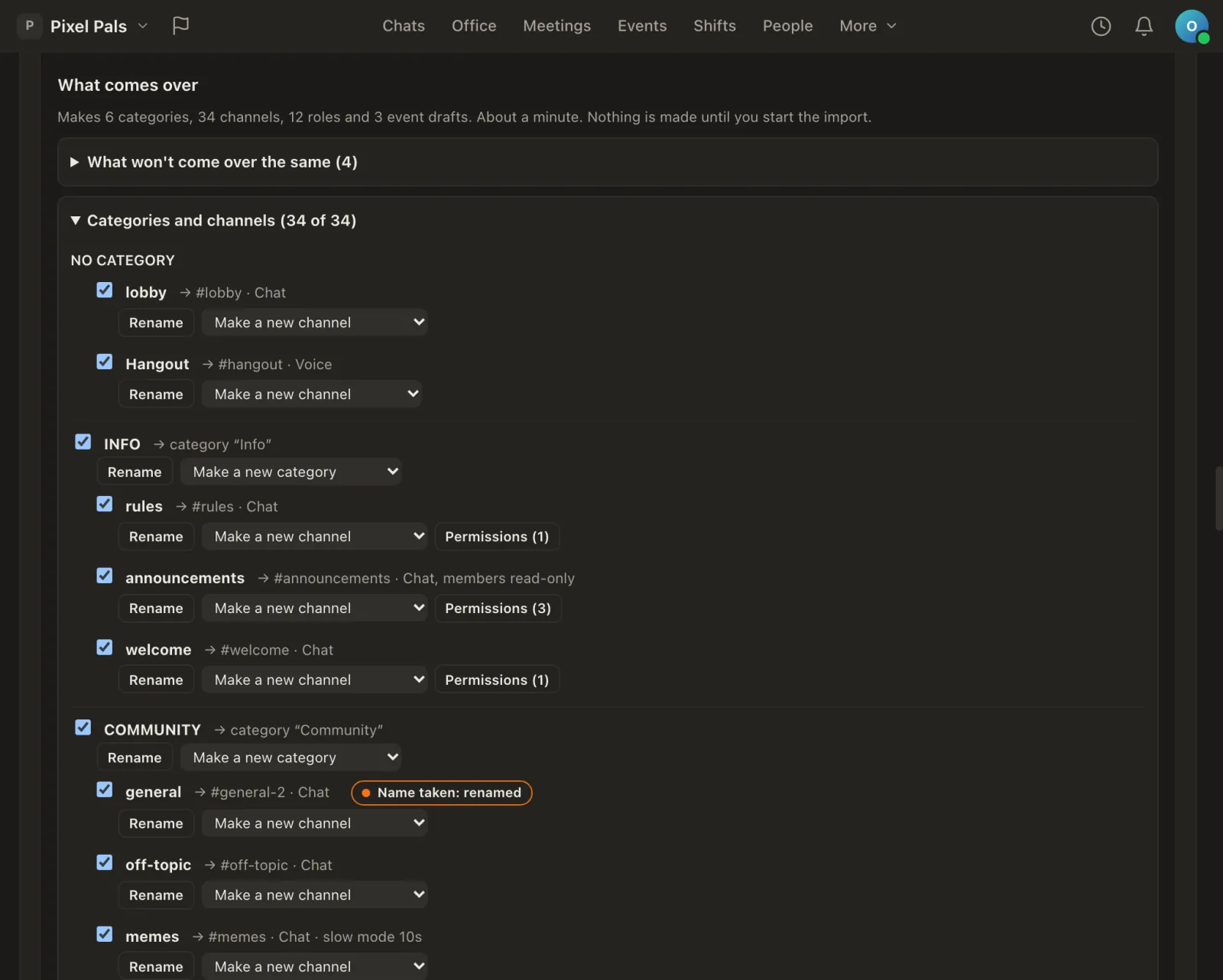
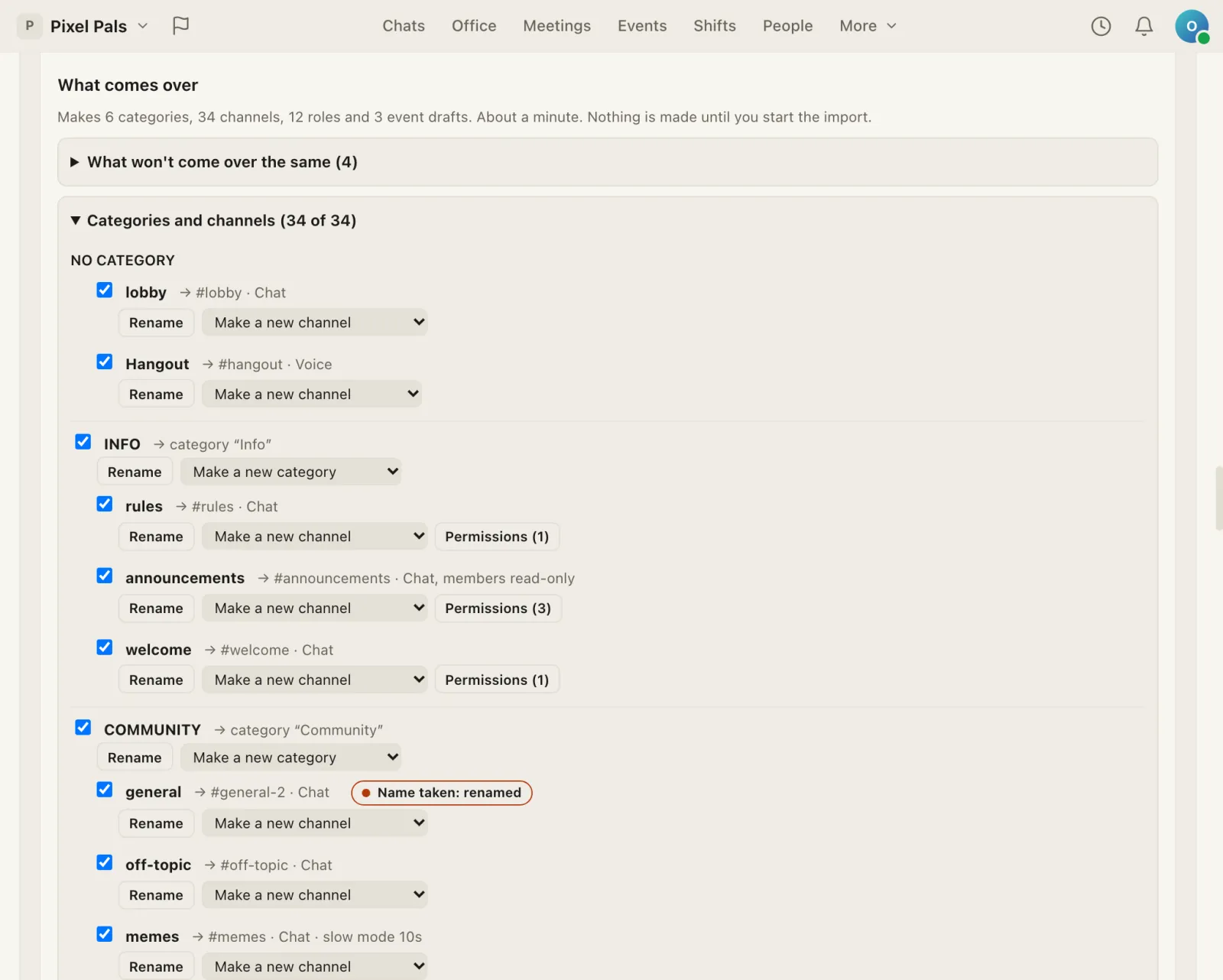
- Preview. Every category and channel is listed with what it becomes here. Untick what you don't want, rename things, or merge a channel into one you already have. Channel permissions come across as Missived's own, and each role says what it can do here; the few Discord rights with no equivalent are listed under it, each with the reason. Every bot in your server is named, with what does its job in Missived.
- Full control stays with you. A role with Administrator in Discord means Admin here, but nobody becomes an Admin by importing: once someone with that role joins and links their Discord account, an Owner gets one question, "Make them an Admin?", and decides. The server's owner can be offered Owner, which asks you to confirm with your password.
- Import. Missived makes the categories, channels, roles and event drafts and tells you when it's done. For 7 days an Owner can undo the whole thing.
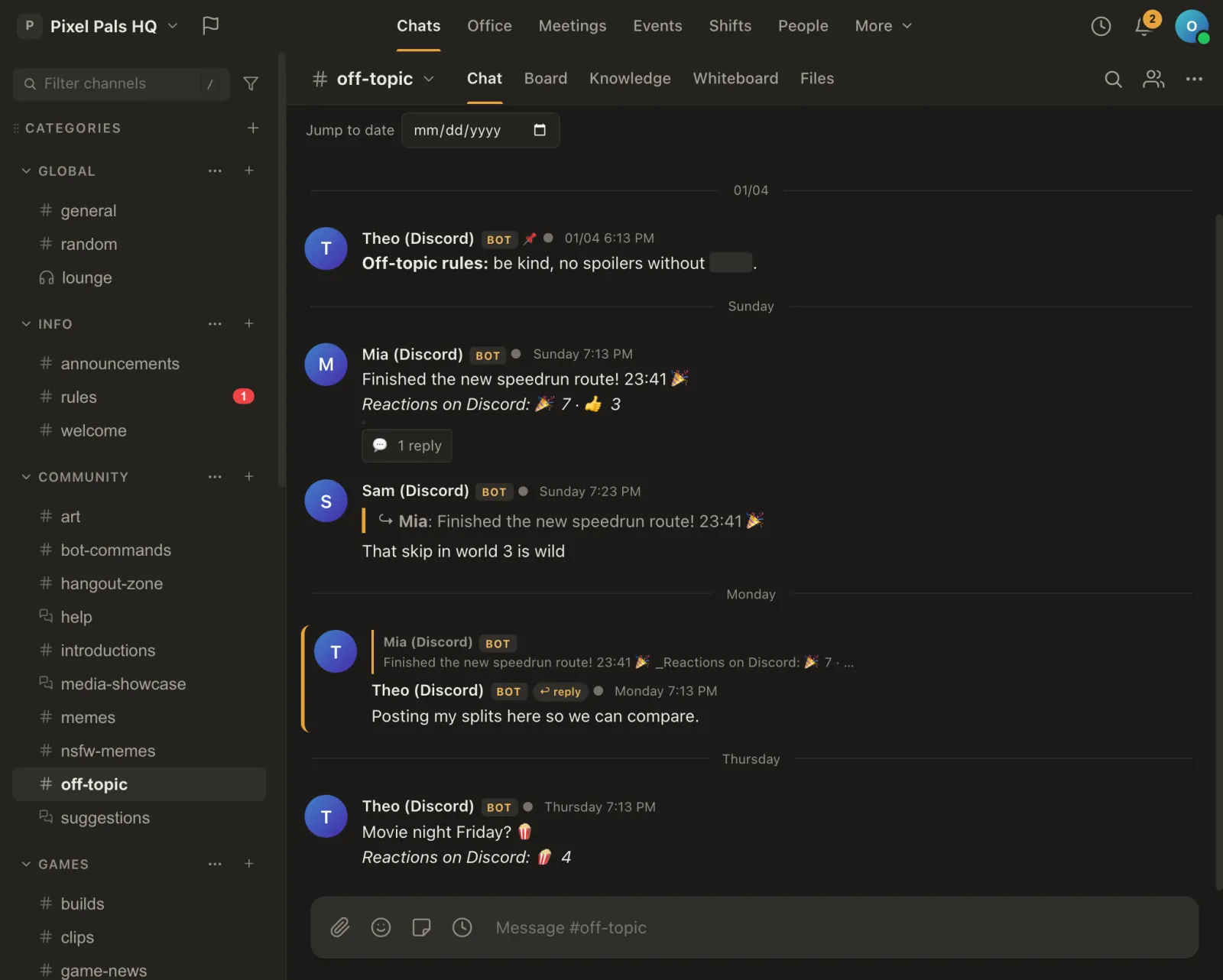
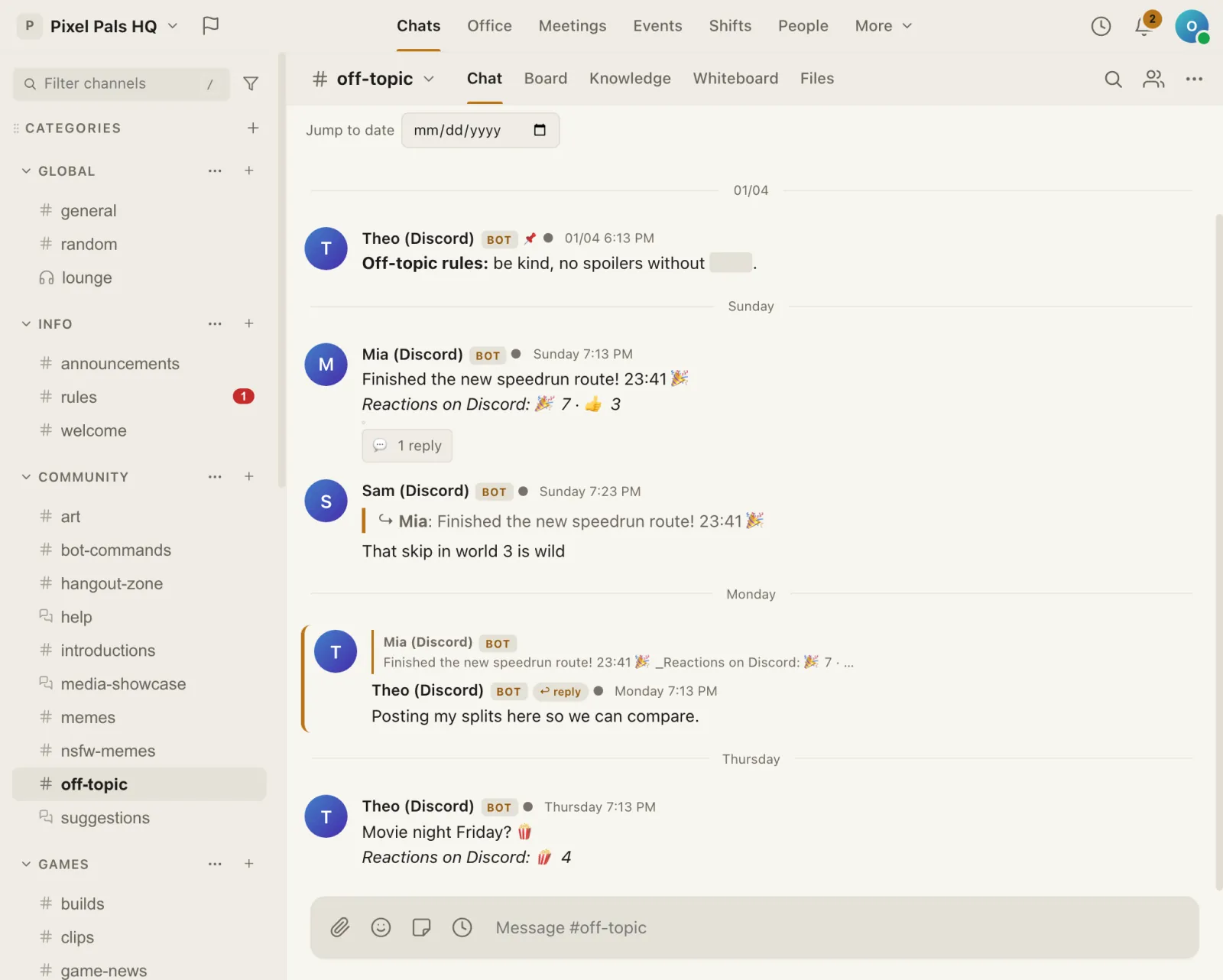
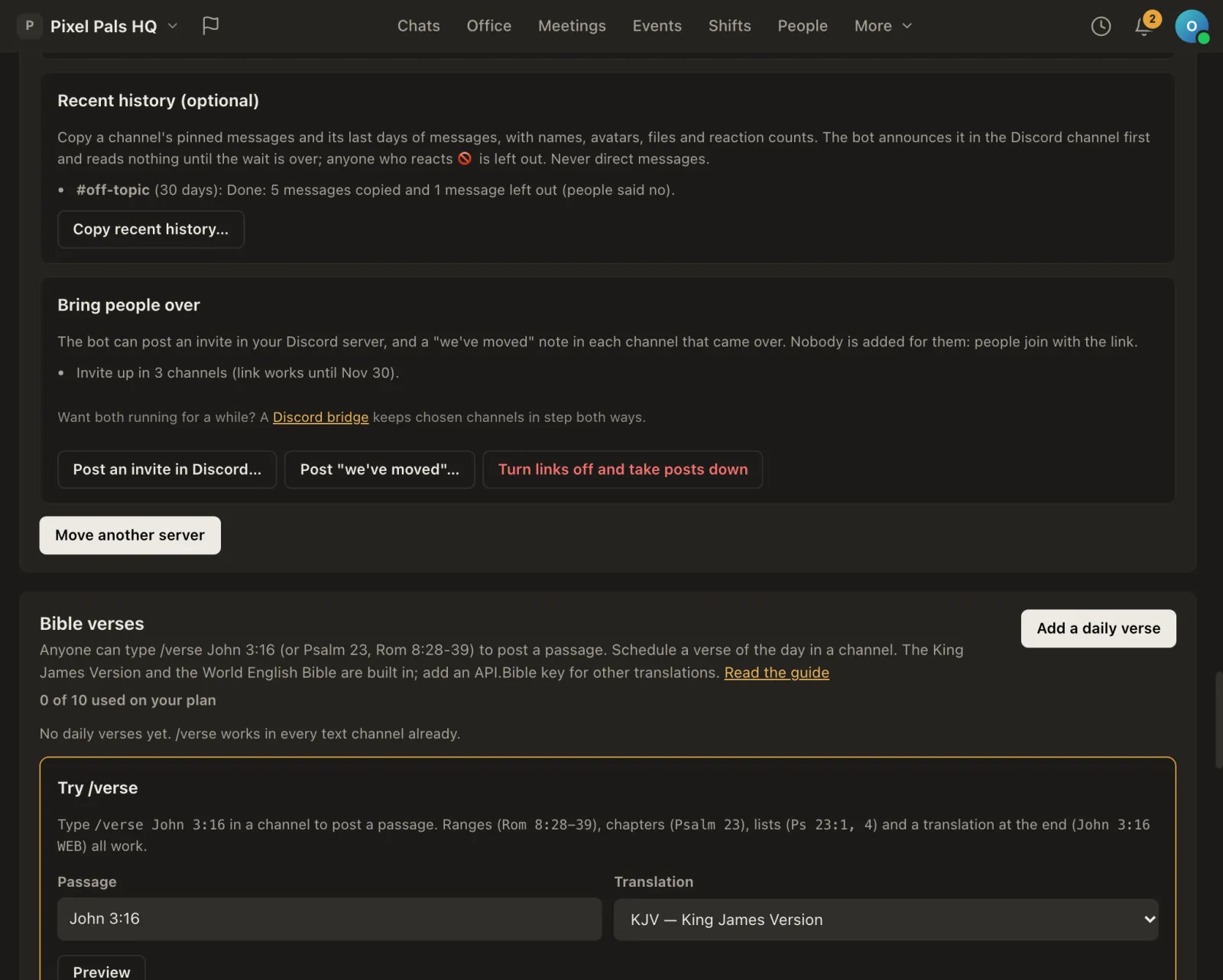
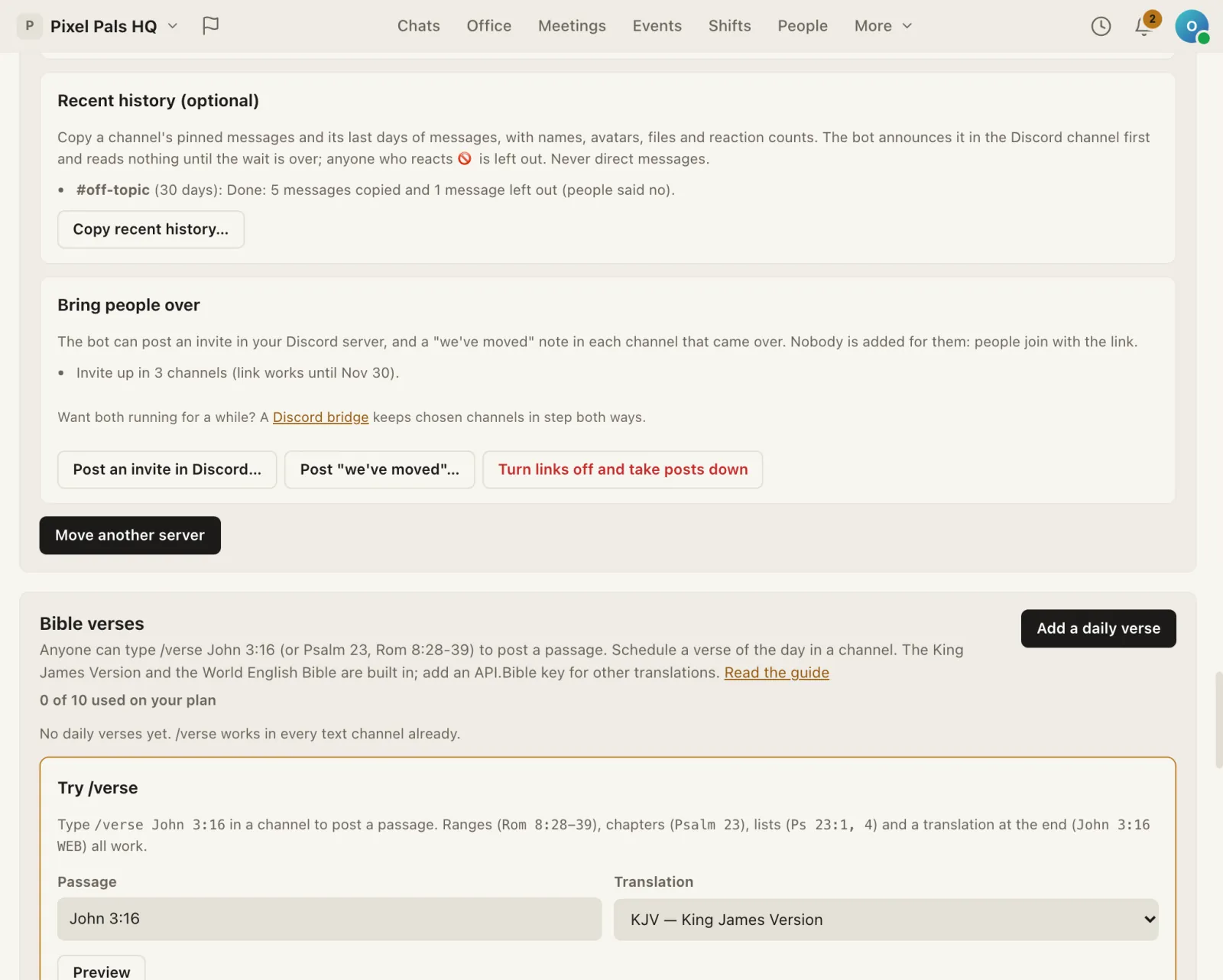
- Recent history, if you want it. Pick channels and how far back (the limit depends on your plan; Free copies the layout only). The bot first posts an announcement in each Discord channel and waits, a day by default, before it reads anything. Anyone who reacts 🚫 to the announcement is left out. Direct messages are never copied.
- Bring people over. The bot can post a join link in the Discord channels you choose, and a "we've moved" note in each channel that came over. Nobody is signed up for anything: people join with the link if they want to. One button turns the links off and takes the posts down.
Bringing your members with you
Once your server has moved, each member can link their Discord account under Settings → Connections. Linking asks Discord only who they are (their Discord id and name), never their email or their list of servers, and Missived keeps no Discord token afterwards. Linking lets them:
- Get their roles back. If your Discord role became a Missived role, a member who held it on Discord gets it here when they link, and loses it if they lose it on Discord or unlink. Your workspace's own bot checks this; Missived never asks Discord as the member.
- Claim their old messages. Imported history shows as "Name (Discord)". A member can claim the messages their own Discord account wrote, in channels they can open, so they show as theirs. They're asked first, it's recorded in your workspace's audit log (how many, never what they said), and they can undo it.
Linking Discord is built but not switched on yet on missived.com. It will appear in Settings → Connections when it is.
Running both side by side
You don't have to move everyone at once. A chat bridge links a Discord channel to a Missived channel through a bot you create, so messages, replies and threads go both ways while people try Missived. Bridges come with the paid plans. The bot is yours: create it in Discord's developer portal and paste its token into Org Settings → Integrations → Bridges.
Your webhooks keep working
Anything that posts to a Discord webhook can post to Missived. Our incoming webhooks accept Discord's execute-webhook format, so you only swap the address.
- In Missived, open Org Settings → Integrations → Incoming webhooks, create one for the channel, and copy its address.
- Wherever the tool asks for a Discord webhook address, replace it:
| Address | |
|---|---|
| Discord | https://discord.com/api/webhooks/<id>/<token> |
| Missived | https://api.missived.com/hooks/<id>/<token> |
The id and token are Missived's own: copy the whole address, don't edit Discord's. The same extras work as on Discord: add ?wait=true to get the posted message back, ?thread_id= to reply in a thread, and /slack or /github on the end for Slack's format or GitHub's events. Messages, embeds, a custom name and picture, and allowed mentions all carry over; file uploads through a webhook aren't accepted yet. See the incoming webhooks guide.
Your bots, here
| What your Discord bot does | In Missived |
|---|---|
| Welcome messages and role menus | Roles with per-channel permissions; roles from Twitch, Kick, Patreon, Ko-fi, Steam and (soon) Discord itself that update themselves. |
| Moderation | AutoMod and a word filter on every message, slow mode in forums, reports and the audit log. |
| Stream alerts | Twitch, YouTube Live and Kick alerts and a Live now list. |
| Game server status | A live card for Source, Steam, Minecraft and BattleMetrics servers, and /server. |
| Looking for group | Looking for group channels with games, slots, rank and a waiting list. |
| Polls, reminders and events | Polls, reminders and tasks, and an Events page with sign-ups and check-in. |
| Feeds | RSS, YouTube channels, podcasts and status pages posted into a channel. |
| Your own custom bot | Apps and bots with slash commands, buttons and forms, a bot gateway like Discord's, and a bot kit for Node. See the developer docs. |
| Music bots | Not the same: no YouTube or Spotify players. The Virtual Office plays your own uploaded tracks and built-in sounds. |
Explore the feature guide for more.