

Busy season in one place
Client portals that chase the documents, team chat, client calls and booking, at one price per person instead of one per tool.
Feature by feature · What your stack costs · A day in Missived · Start on the Free plan.
What each tool lists, next to Missived
Every tick comes from the company's own website; the small number links the page.
| Feature | MissivedBusiness | KarbonPractice management | CanopyPractice management | Financial CentsWorkflow & client requests | SlackTeam chat | Zoom WorkplaceVideo calls | CalendlyBooking |
|---|---|---|---|---|---|---|---|
| Client portal | Add-on$5 per portal licence a month | Included8 | Included2 | Included3 | Not listed | Not listed | Not listed |
| Messaging with clients | Add-on$5 per portal licence a month | Included (listed as: comments on uploads)1 | Included2 | Included3 | Included (listed as: Slack Connect, Pro)4 | Not listed | Not listed |
| Team chat | Included | Not listed | Included (listed as: messaging & mentions)2 | Not listed | Included4 | Included5 | Not listed |
| Chat shared with other companies | Included | Not listed | Not listed | Not listed | Included (listed as: Pro)4 | Not listed | Not listed |
| Video meetings | Included | Not listed | Not listed | Not listed | Included (listed as: huddles)4 | Included13 | Through Zoom and others6 |
| Call recording | Included, on request | Not listed | Not listed | Not listed | Not listed | Included (listed as: cloud, Pro)13 | Add-on6Notetaker |
| Booking pages | Included | Not listed | Not listed | Not listed | Not listed | Included (listed as: 1 page; Business for more)5 | Included6 |
| E-signatures | Coming soon | Add-on1credit bundles | Included (listed as: Standard)2 | Included3 | Not listed | Not listed | Not listed |
| Tickets / help desk | Add-on$5 per agent a month | Not listed | Not listed | Not listed | Not listed | Not listed | Not listed |
| File sharing | Included | Included1 | Included (listed as: Standard)2 | Included3 | Included4 | Included5 | Not listed |
| Dashboards | Included | Included1 | Included2 | Included3 | Included (listed as: usage analytics, Pro)4 | Included (listed as: reporting, Pro)5 | Included (listed as: Standard)6 |
| Tables you design | Included | Not listed | Not listed | Not listed | Not listed | Not listed | Not listed |
| Workflow automation | Included | Included (listed as: Business)1 | Included (listed as: Standard)2 | Included3 | Included (listed as: Pro)4 | Included5 | Included (listed as: Standard)6 |
| Single sign-on (SSO) | Included | Not listed | Included (listed as: Google or Microsoft)2 | Not listed | Included (listed as: Business+)4 | Included (listed as: Business)5 | Add-on6on Teams |
| Audit log | Included | Not listed | Included10 | Included11 | Included (listed as: Enterprise+)4 | Included (listed as: Pro)5 | Included (listed as: Enterprise)6 |
| Encrypted at rest | Included | Included9 | Included10 | Included11 | Included12 | Not listed | Included14 |
| Lowest listed price per person a month | $8.00billed yearly ($10 monthly) | $59 per user, billed annually (Team)1 | $74 per user, billed annually (Standard)2 | $49 per user, billed annually (Team)3 | $7.25 per user, paying annually (Pro)4 | $14.16 per user, billed annually (Pro)5 | $10 per seat, billed yearly (Standard)6 |
✓ = included, as the vendor's own site lists it— = not listed on the vendor's public site, Nov 2026Add-on = paid extraSmall print = the plan or wording the vendor lists
What you pay for today, and what Missived costs
Each price is the one the company lists on its own site, billed yearly where offered.
| Tool | What it's for | Their published price | In Missived |
|---|---|---|---|
| Slack Pro | Team chat | $7.25 per user a month, billed annually4 | Channels, threads, DMs and voice rooms. |
| Zoom Pro | Video calls | $14.16 per user a month, billed annually5 | Meetings clients join from a link. |
| Calendly Standard | Booking | $10 per seat a month, billed yearly6 | A booking page per person. |
| Karbon | Practice management and portal | Team $59 or Business $89 per user a month, billed annually1 | Client portals with requests (add-on). Not in the total. |
| Canopy | Practice management and portal | Standard $74 or Plus $109 per user a month, billed annually2 | Client portals and secure messaging. Not in the total. |
| Financial Cents | Workflow and client requests | Team $49 or Scale $69 per user a month, billed annually3 | Requests, Tables and workflows. Not in the total. |
Per person, per month
Slack Pro + Zoom Pro + Calendly Standard at their listed annual prices$31.41
Missived Business, billed annually, which does all of those jobs$8.00
Add a Client portals licence ($5 per portal licence a month, or $50 a year) for each person who works with clients in portals, and a Tickets seat ($5 per agent a month, or $50 a year) for each person who answers requests. Your clients and the people who only ask for help are free. The questions below say what Missived doesn't do.
A Tuesday in March, in Missived
Dana, a tax manager at a 25-person firm, three weeks before the deadline. A made-up day; features still being built are marked Coming soon.
Dashboard first
Eleven returns wait on documents, three requests went overdue, two consultations are booked.
Portal requests
Three clients still owe 1099s. Missived reminds each at 10:00 their time; uploads land in their folder.
A recorded client call
A business owner joins from a link, no account needed. Everyone sees it's recorded.
A booked consultation
A prospect picked a slot on Dana's booking page; the link and reminders went out on their own.
The extension tracker
A Table of extensions and preparers. Partners see their view; clients see none of it.
A follow-up that runs itself
A client finishes their request; a workflow posts it in #prep and tells the preparer.
What your firm would use
Real screenshots, in a demo workspace with made-up people.
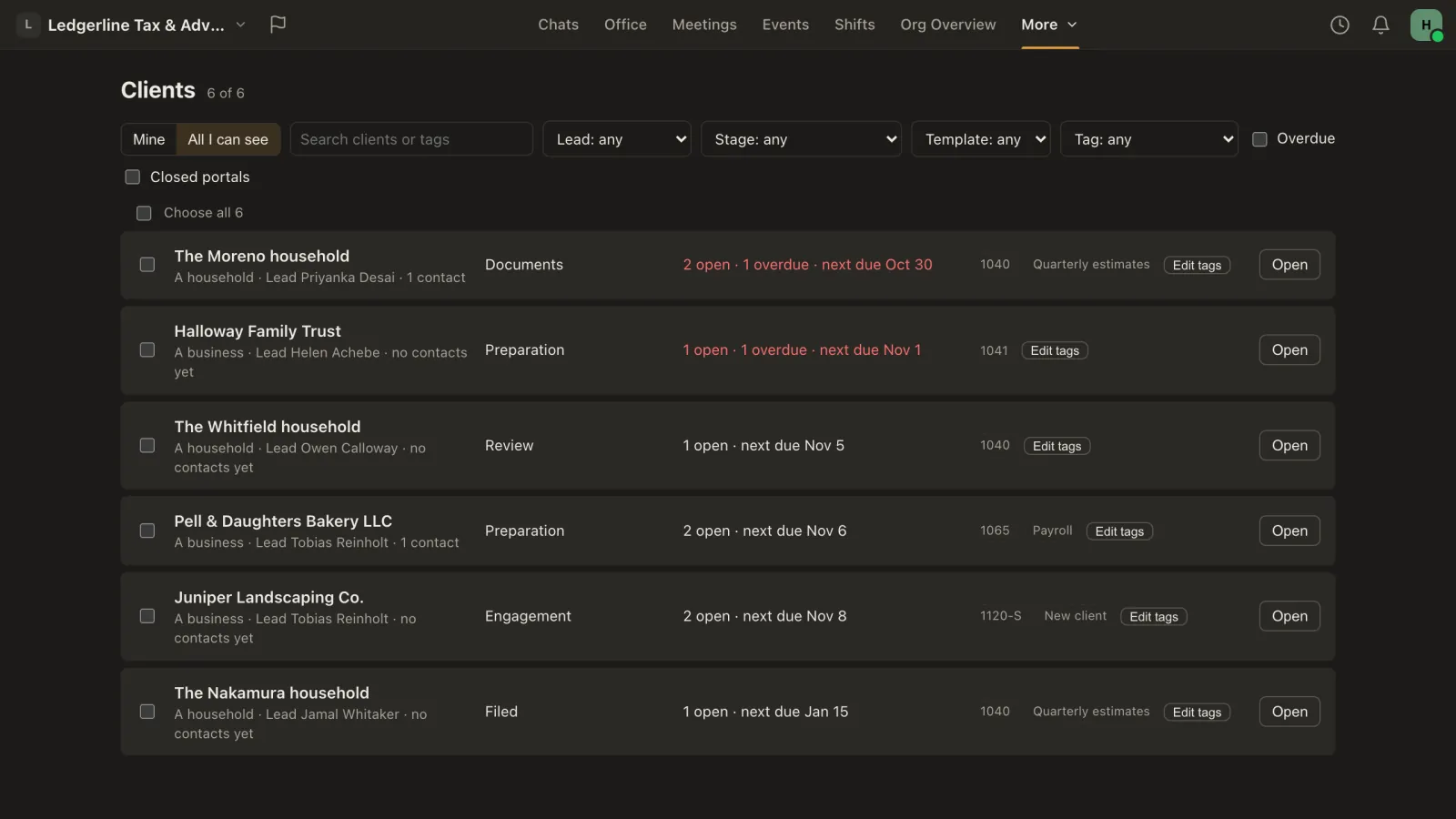
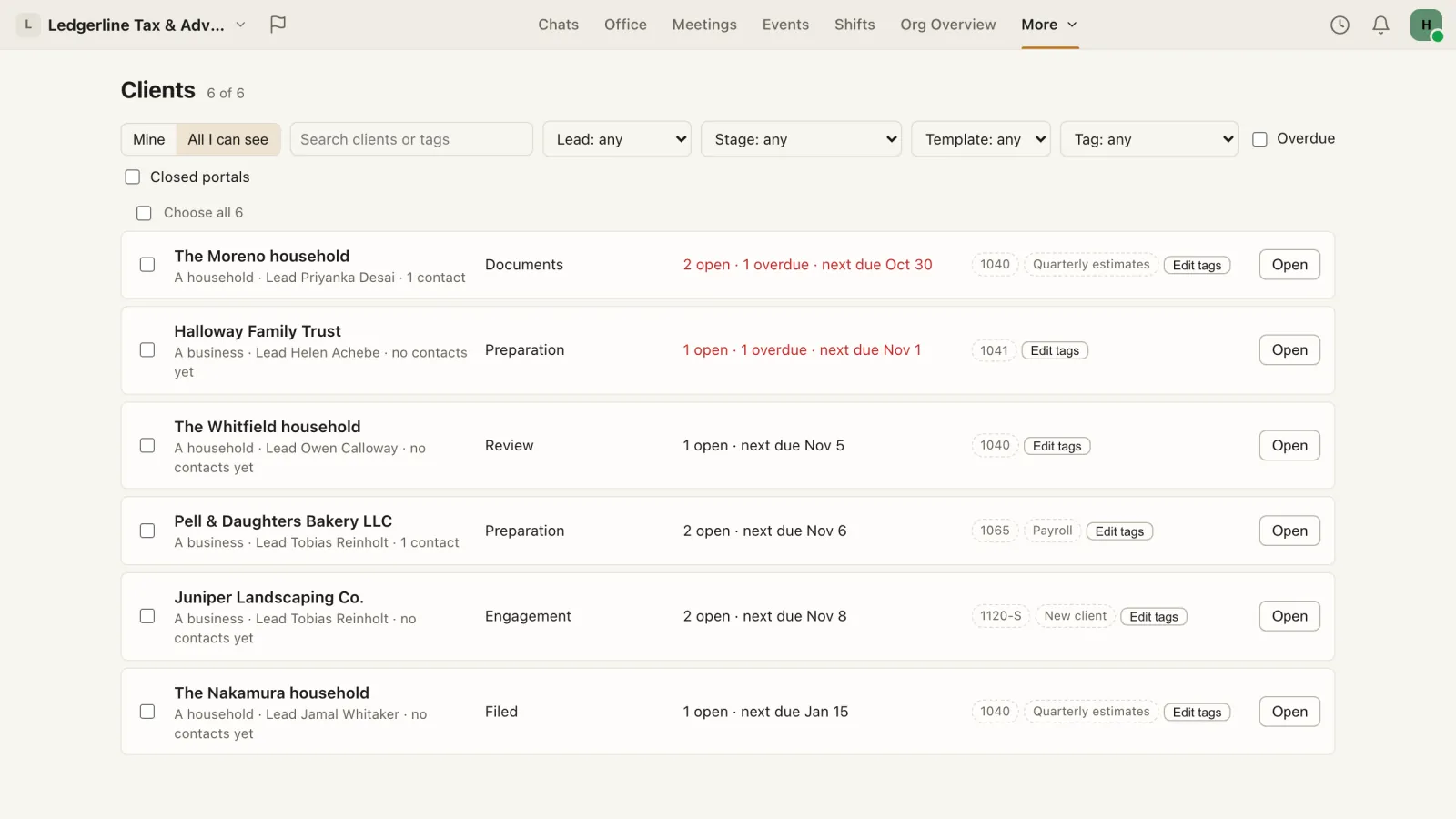
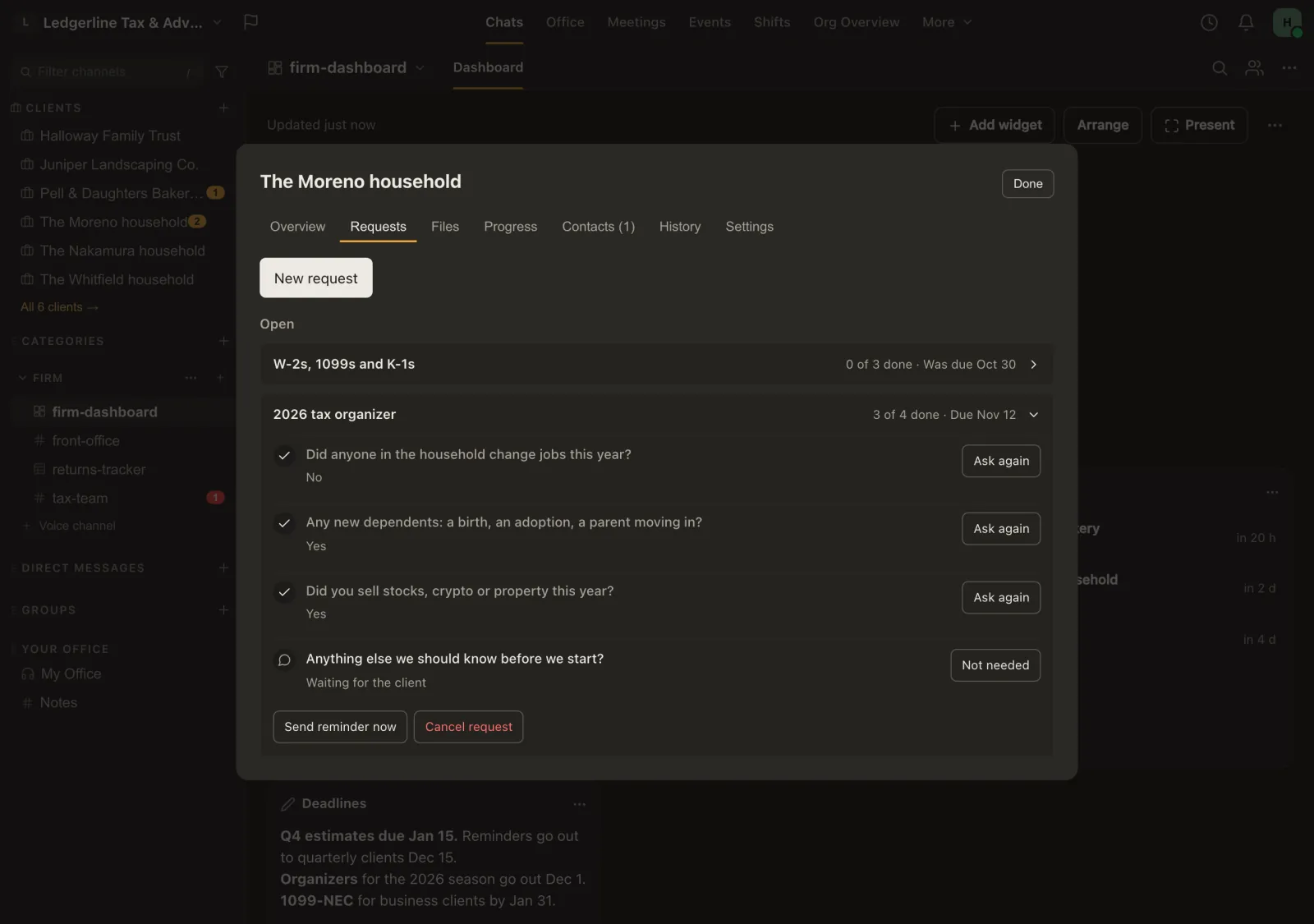
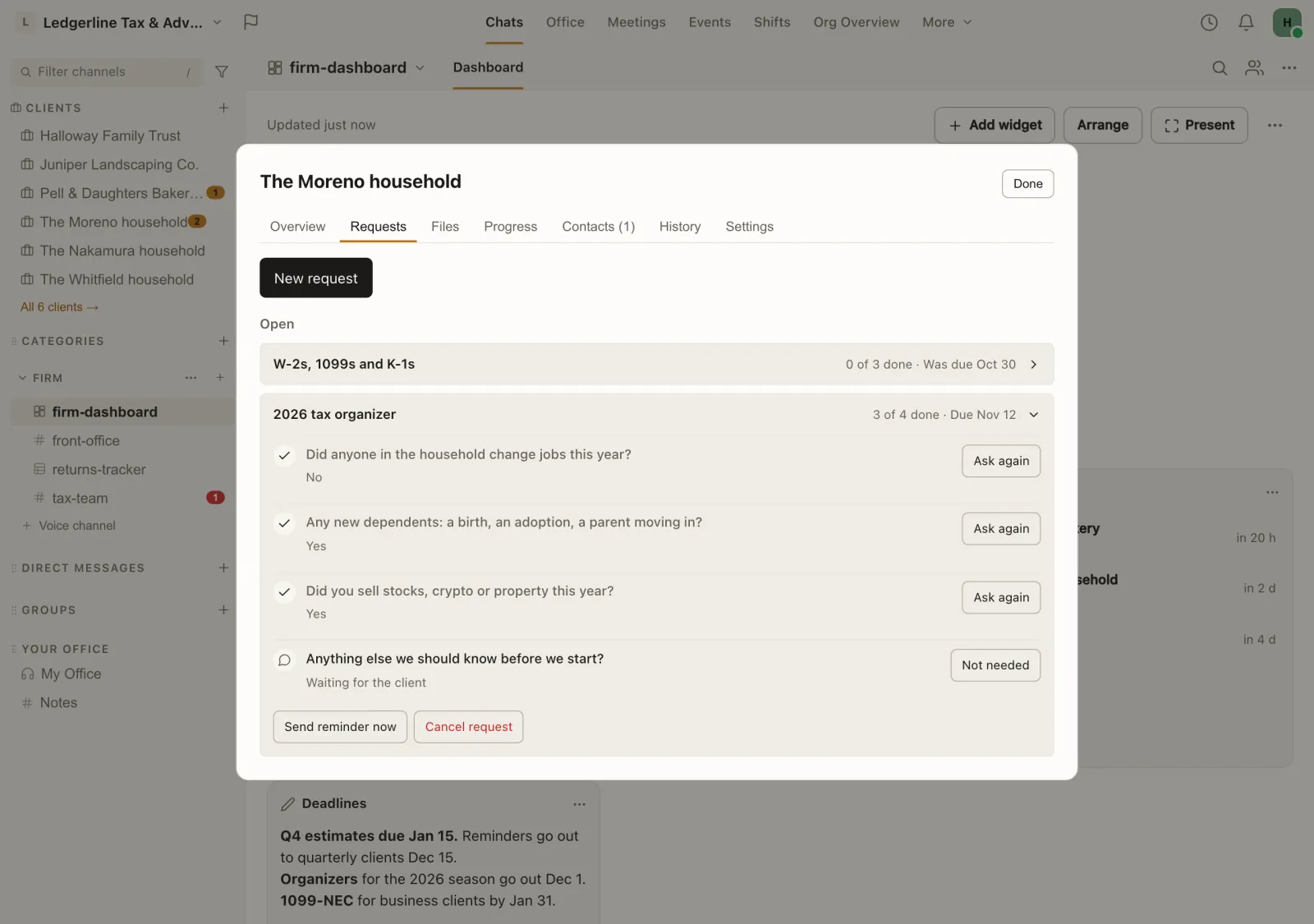
Client portals with requests and reminders
Messages, a file library, requests with due dates and progress stages for each client. Clients sign in with an emailed link.
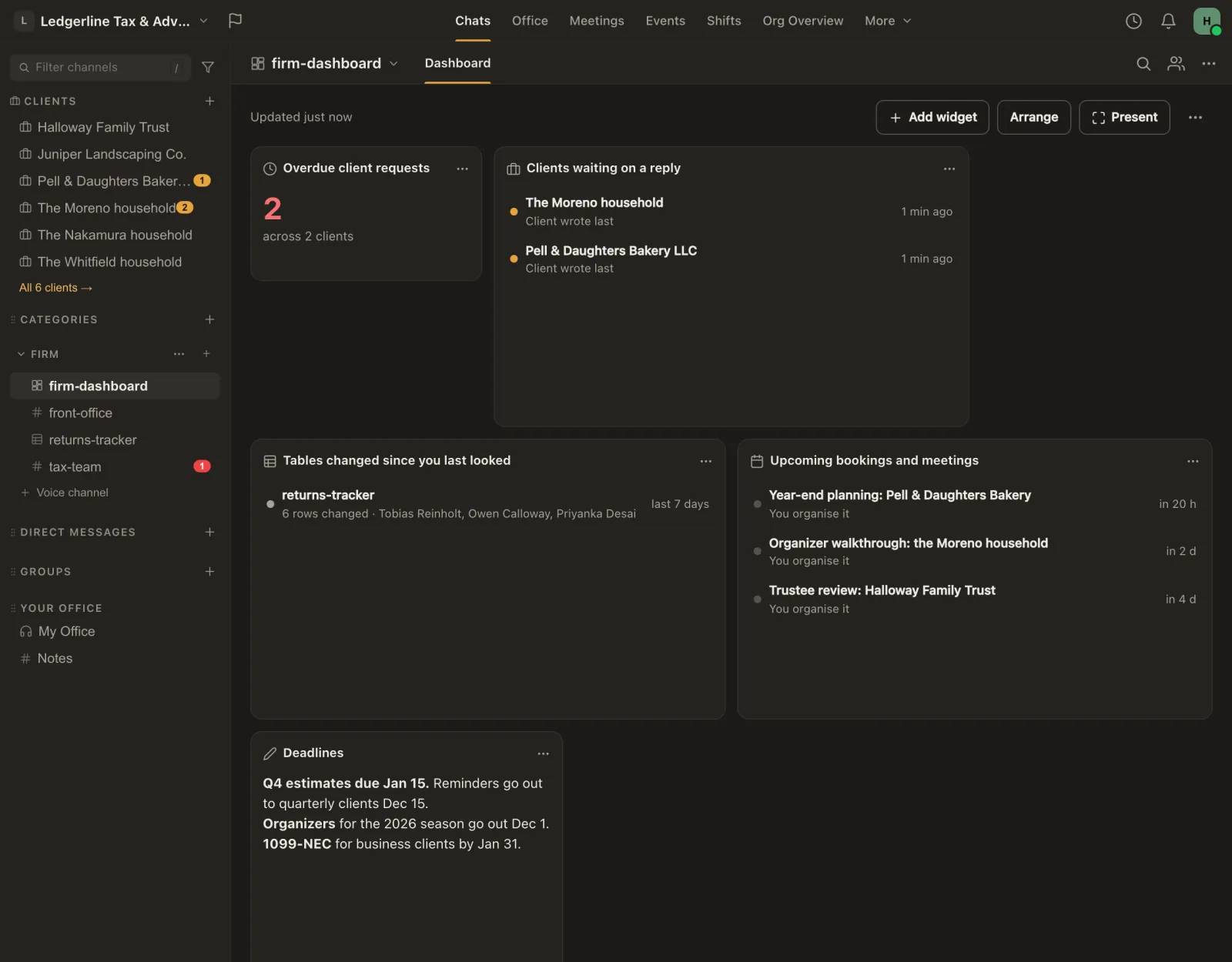
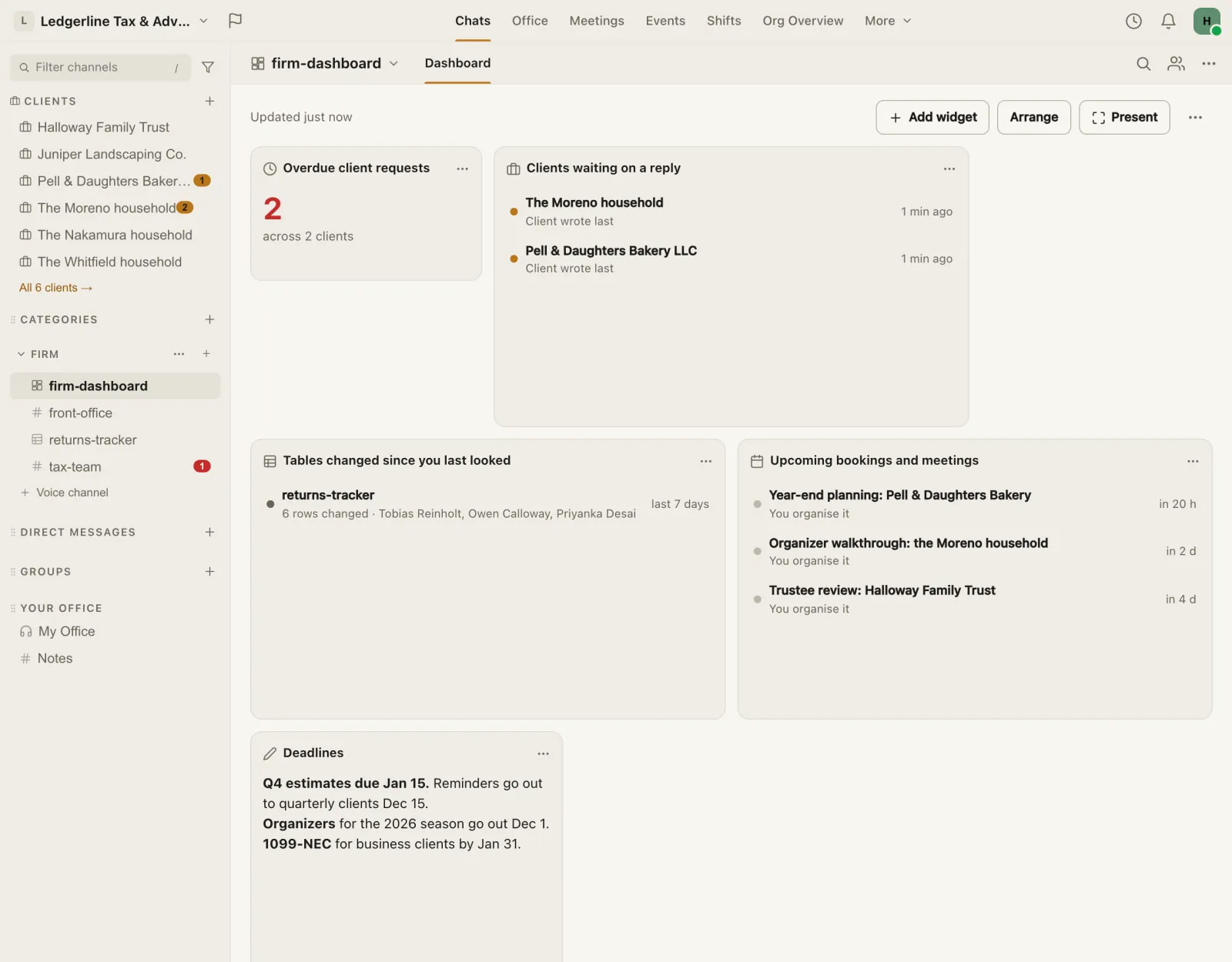
A dashboard for busy season
Overdue requests, clients waiting on a reply, open tickets and bookings, each person seeing only what they're allowed to.
Being built next
Send email and log calls on the client's timeline Coming soon
Send as your own address from Missived, with email filed on the right client's timeline. Connect your firm's own phone provider (Quo first, then Dialpad and Aircall) and calls and texts with known client numbers are logged there too. Nothing unrelated is kept. Bcc and forwarded-email logging are already available.
Proposals and invoices in the portal Coming soon
Connect your own Stripe, Ignition, QuickBooks or Xero account and each client sees their proposals and invoices in the portal, with one button to review and accept or to pay. Missived never handles the payment; your provider does.
More workflow steps and integrations Coming soon
Workflow steps for tickets, client requests, meetings and more, plus assistant and API access. The workflow editor and core engine are available on Business today.
Our promise: we never sell or share your data or your clients' data, and there are no ads or trackers. Every workspace is encrypted at rest with its own key (encrypted on our servers, not end-to-end). The privacy promise · Security
One price per person, instead of one per tool
Pay for your team, not for each app. Add-ons go on the same subscription.
Business
$10 per active user/mo at every size
$8.00 per active user/mo, billed yearly. Channels, calls, meetings with outside guests, Tables, dashboards, booking pages and single sign-on, with a named account rep. Client portals are the add-on beside it.
Client portals
$5 per portal licence a month
Or $50 a year. Only the staff who work client portals need a licence; your clients are free.
Free trial: 14 days, up to 5 portal licences, once per workspace, no card.
Tickets
$5 per agent a month
Or $50 a year. Only the staff who answer requests need a seat; people who ask for help are free.
Free trial: 14 days, up to 5 agents, once per workspace, no card.
Over 50 people, or want your own dedicated servers? Enterprise is $20 per user/mo on your own dedicated instance. Prices in US dollars, from our pricing page.
Move over with the person who builds Missived
Cody West started Missived and takes these calls. Bring the tools you pay for today and we'll plan the move; clients come over by an emailed invite, no app to install.
Book a time with CodyStart free
Start on the Free plan, with no card required. Or pick a time here:
What firms ask
What moves into Missived?
Client portals and requests, client and team messaging, calls, booking, trackers as Tables, dashboards, workflows and a help desk. Most firms can drop separate chat, video and scheduling at once.
Do I still need tax software?
Yes. Missived doesn't prepare or e-file returns, track billable time or send invoices, so keep a tool for those.
Where each claim comes from
Each line is the page we read, as listed on that company's site in November 2026. Product names are their owners' trademarks; Missived isn't affiliated with any of them.
- Karbon: Pricing. karbonhq.com/pricing/, as listed on Karbon's site, November 2026.
- Canopy: Pricing. www.getcanopy.com/pricing, as listed on Canopy's site, November 2026.
- Financial Cents: Pricing. financial-cents.com/pricing/, as listed on Financial Cents's site, November 2026.
- Slack: Pricing. slack.com/pricing, as listed on Slack's site, November 2026.
- Zoom: Pricing. zoom.us/en/pricing, as listed on Zoom's site, November 2026.
- Calendly: Pricing. calendly.com/pricing, as listed on Calendly's site, November 2026.
- the FTC: FTC Safeguards Rule: What Your Business Needs to Know. www.ftc.gov/business-guidance/resources/ftc-safeguards-rule-what-your-business-needs-know, as listed on the FTC's site, November 2026.
- Karbon: Client portal. karbonhq.com/feature/client-portal/, as listed on Karbon's site, November 2026.
- Karbon: Security. karbonhq.com/security/, as listed on Karbon's site, November 2026.
- Canopy: Security. www.getcanopy.com/security, as listed on Canopy's site, November 2026.
- Financial Cents: Security. financial-cents.com/security/, as listed on Financial Cents's site, November 2026.
- Slack: Security. slack.com/trust/security, as listed on Slack's site, November 2026.
- Zoom: Zoom Workplace Pro. www.zoom.com/en/products/collaboration-tools/zoom-workplace-pro/, as listed on Zoom's site, November 2026.
- Calendly: Security. calendly.com/security, as listed on Calendly's site, November 2026.