
Missived
For businesses and teams

Where the team works, and where you meet everyone else.

Channels, drop-in voice and a Virtual Office for the team; Tables for the work you track; a portal for each client; and meetings clients and subcontractors join from a link in their browser, with no account.

Explore the features below. Need a dedicated instance or bigger Stages? Enterprise.

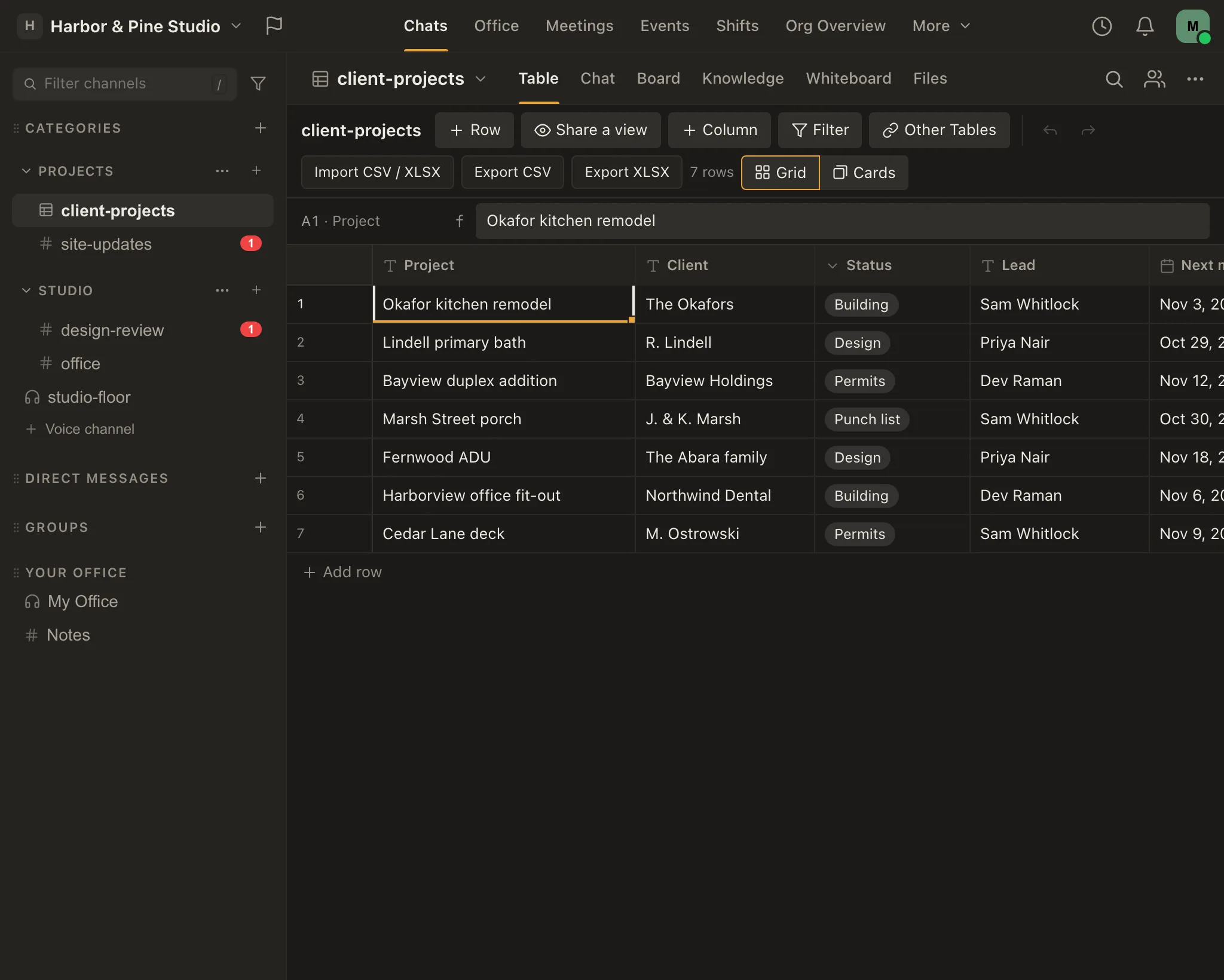
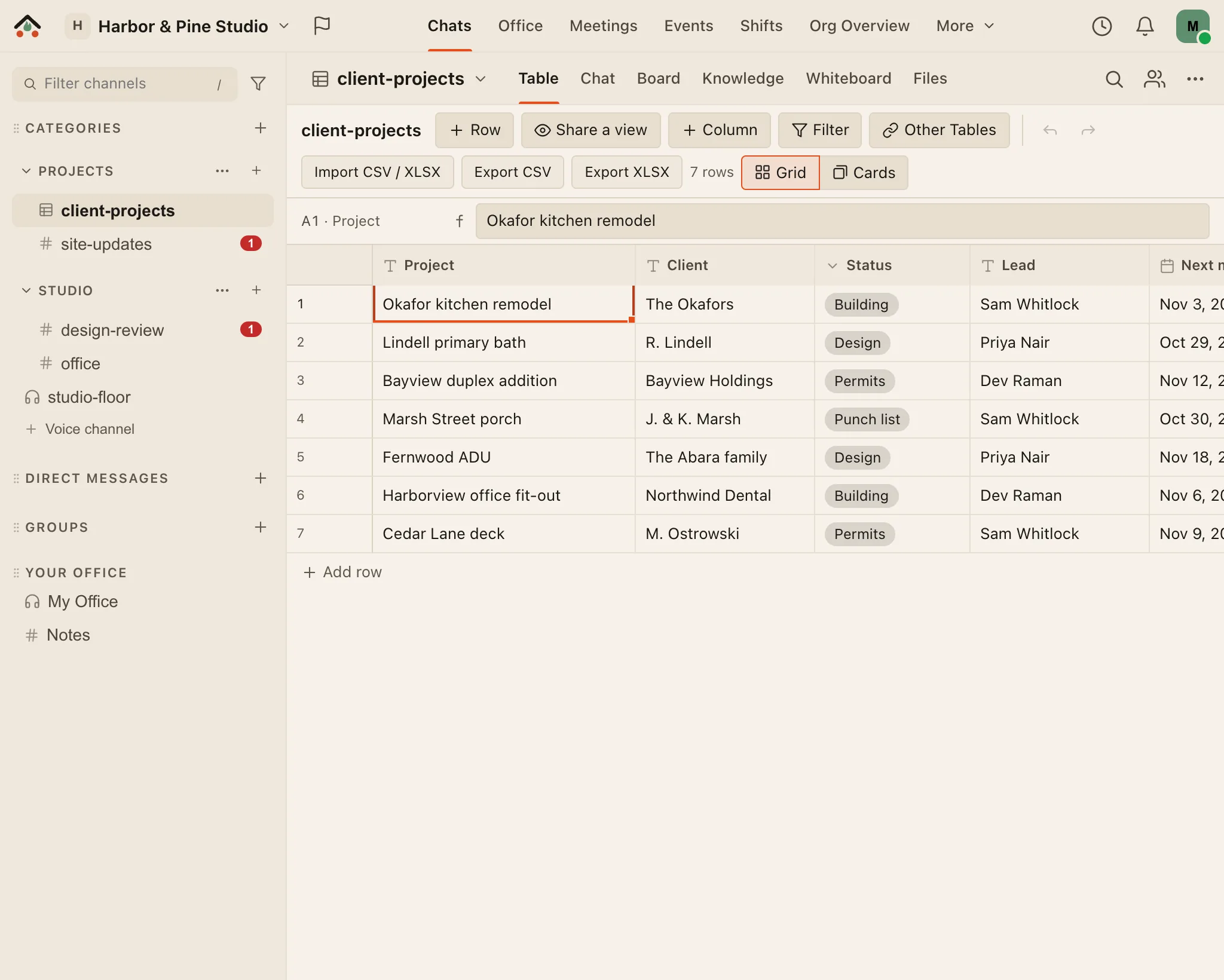
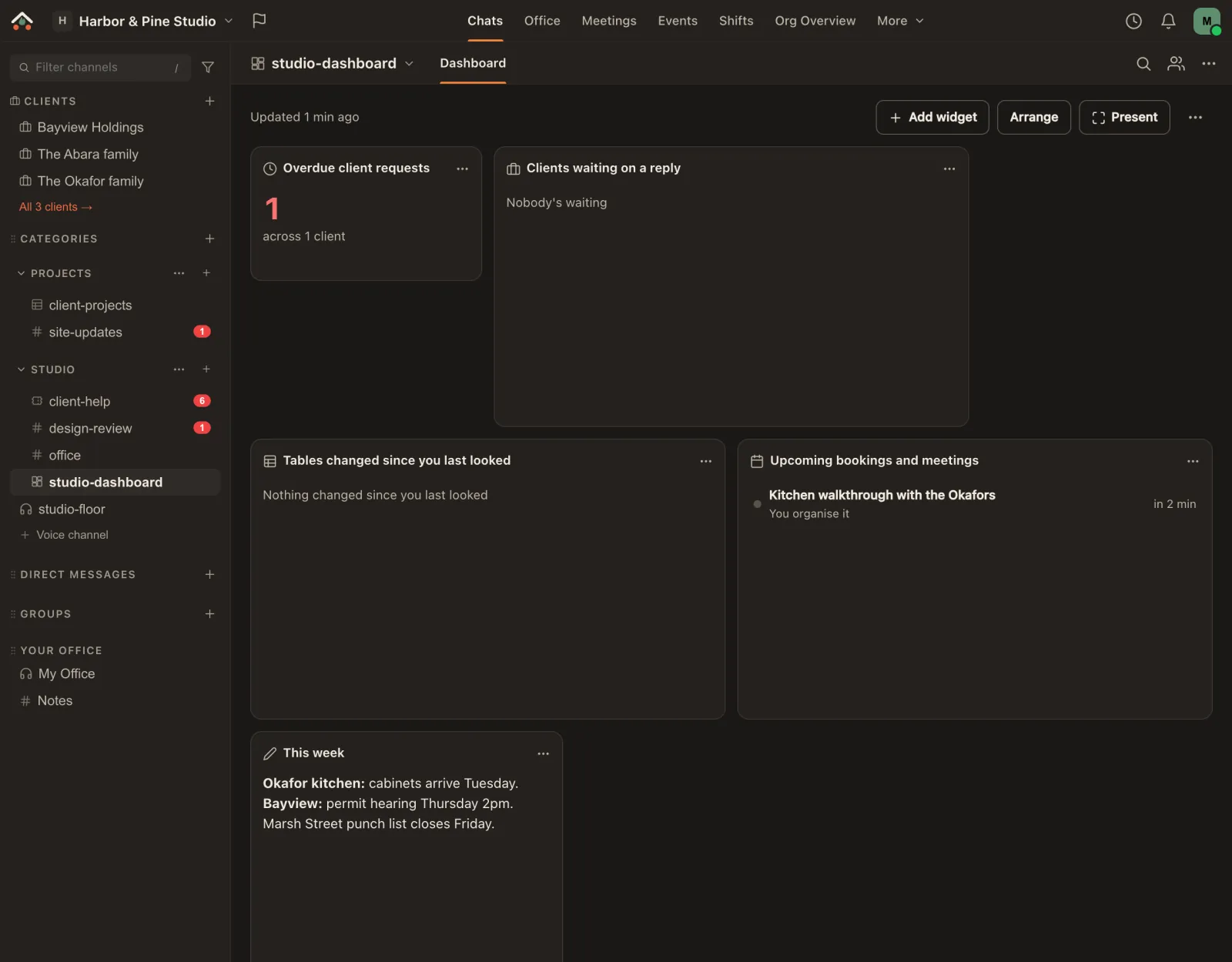
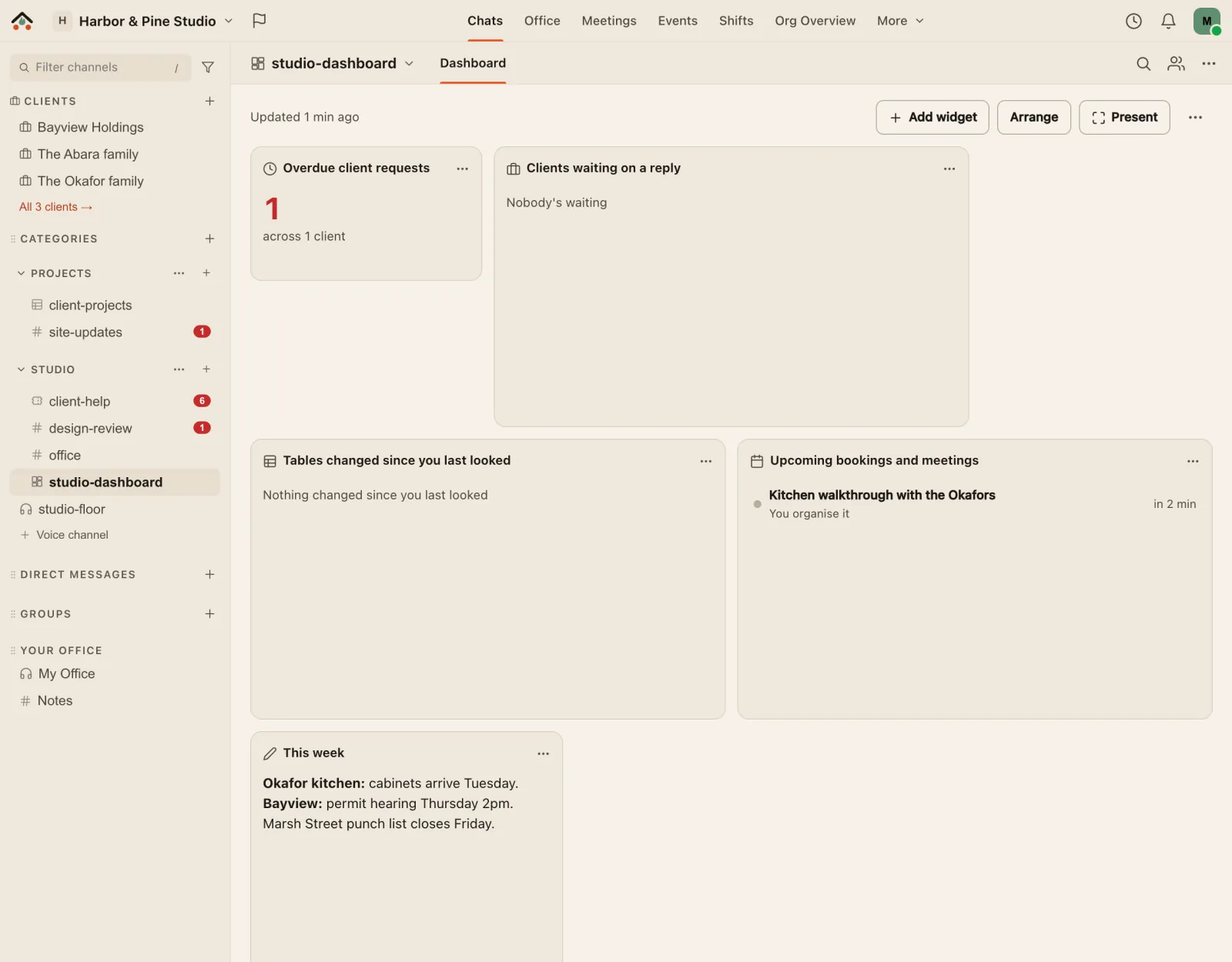
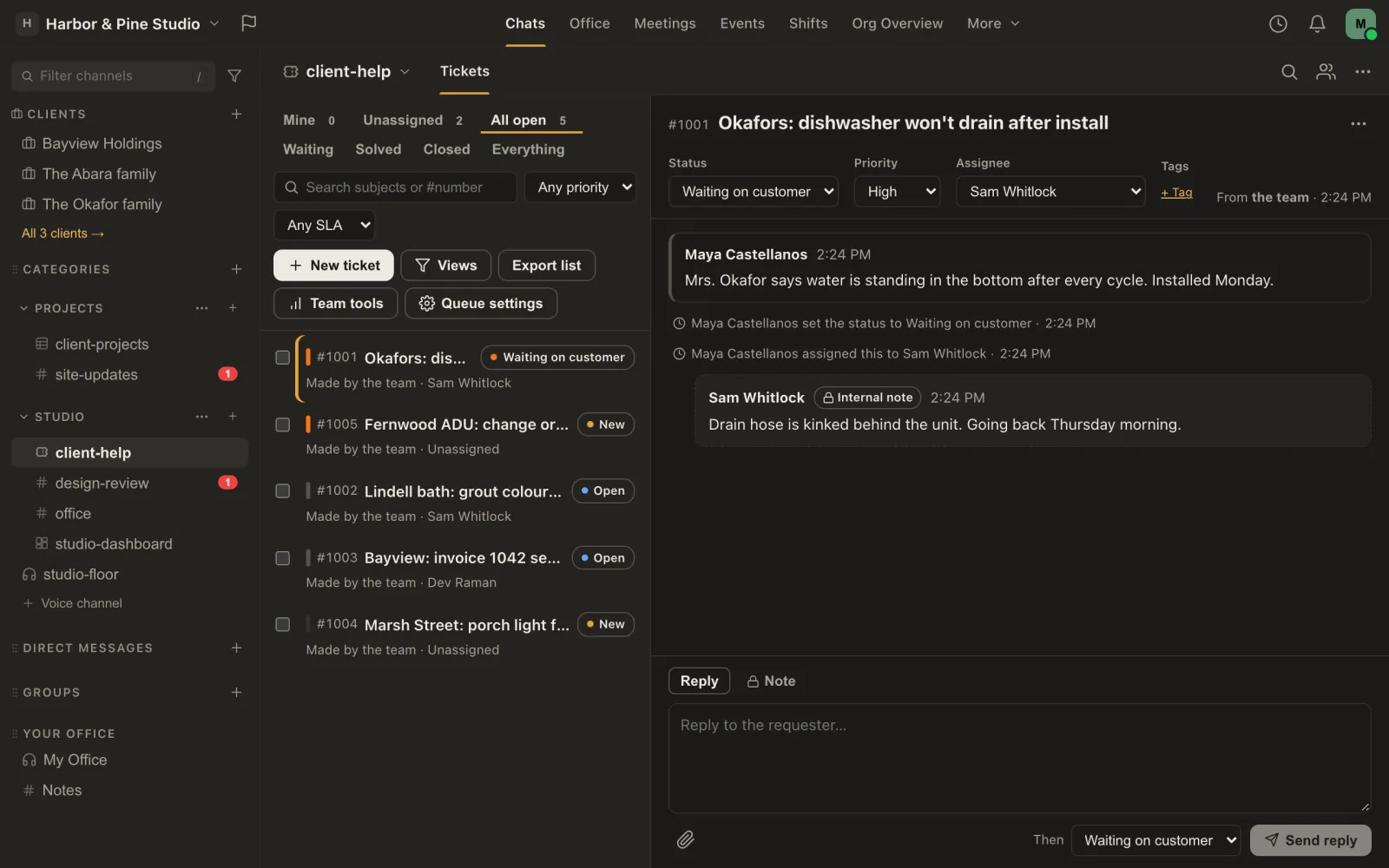
The real Missived app in a demo workspace, Harbor & Pine Studio: a Table of client projects with columns for client, status, lead and next milestone, and the sidebar with project channels and a voice room. The real Missived app in a demo workspace, Harbor & Pine Studio: a Table of client projects with columns for client, status, lead and next milestone, and the sidebar with project channels and a voice room.
Meetings with anyone

Meet anyone with a link — no download, no account, a lobby you control, right in the browser.

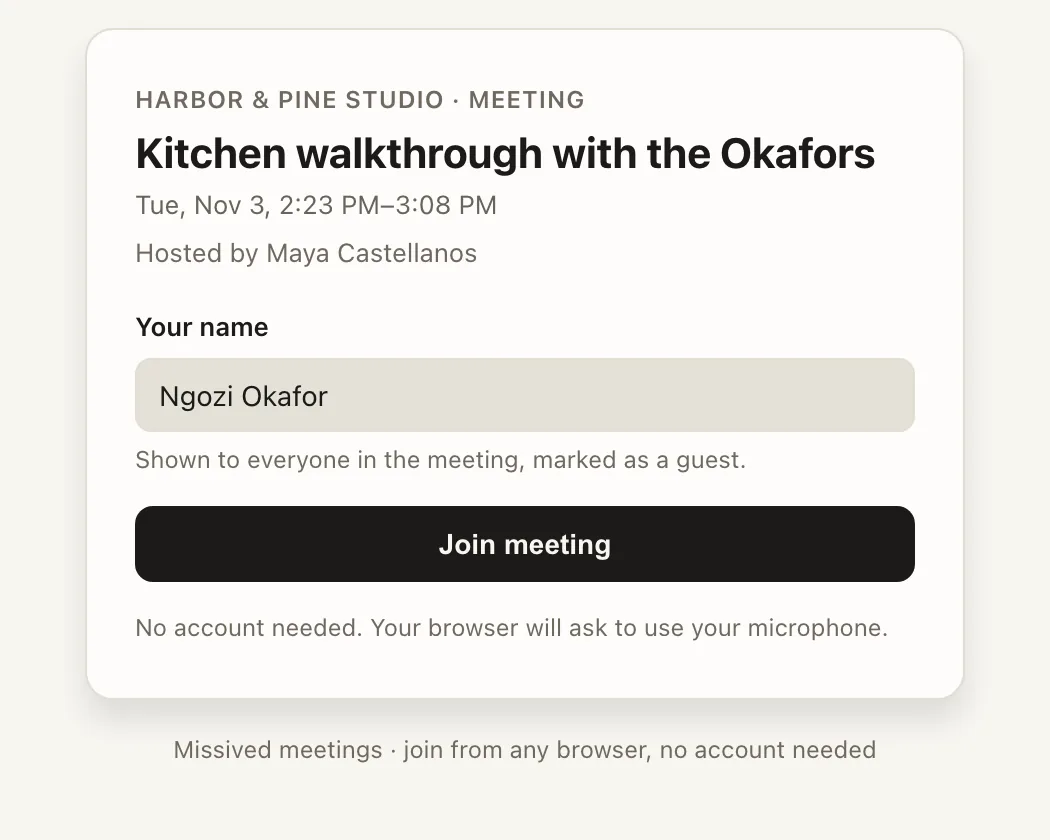
  • Nothing to install. A guest opens the link in their browser, types their name and asks to join.
  • No account for them. Guests never sign up, and they never use one of your guest seats.
  • You decide who comes in. Guests wait in a lobby until a host lets them in; you can lock the room, ask for a passcode, or have guests confirm their email first.
  • No clock running out. A meeting doesn't end on a timer while people are still in it.
  • Files and a whiteboard in the call, kept on the meeting afterwards.

Meetings with outside guests are on Business.

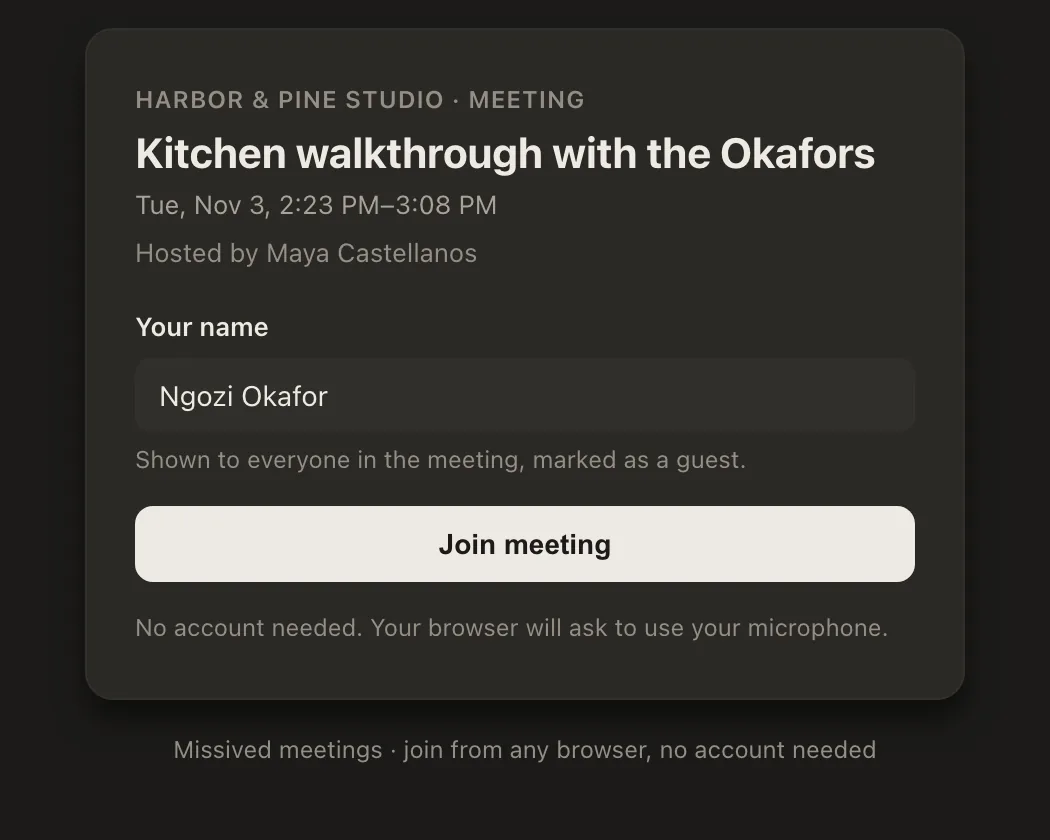
The real Missived meeting page a guest sees after opening an invite link in a browser: the meeting's name, time and host, a box for their name, a Join meeting button and the words: No account needed. The real Missived meeting page a guest sees after opening an invite link in a browser: the meeting's name, time and host, a box for their name, a Join meeting button and the words: No account needed.
What only Business has

For teams who work with clients and partners

Each picture is the real app, in a demo design-build studio with made-up clients.

Business only on Business (and Enterprise)Every paid plan Ministry, Creator and BusinessEvery plan Free too

Client portals

Business

Each client gets a portal: a private space with your team, without seeing anything else in your workspace.

  • Messages, files and requests: checklists, questions and uploads, with due dates and gentle reminders.
  • Stages so the client sees where the project is, and a timeline of what happened.
  • One Clients page for the team: who's overdue, who's waiting, what stage each is at.
  • Contacts sign in with a link and don't take a guest seat: they have their own pool, at least 250.
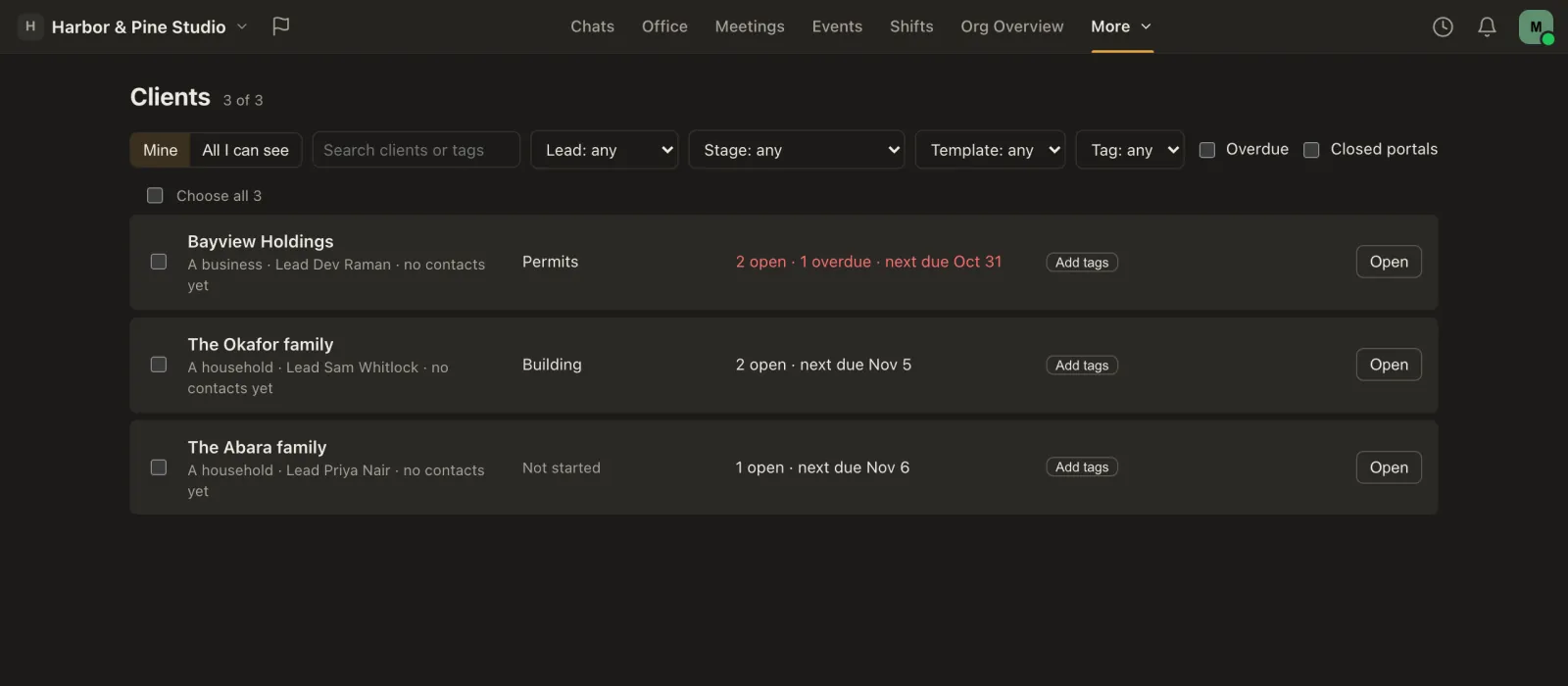
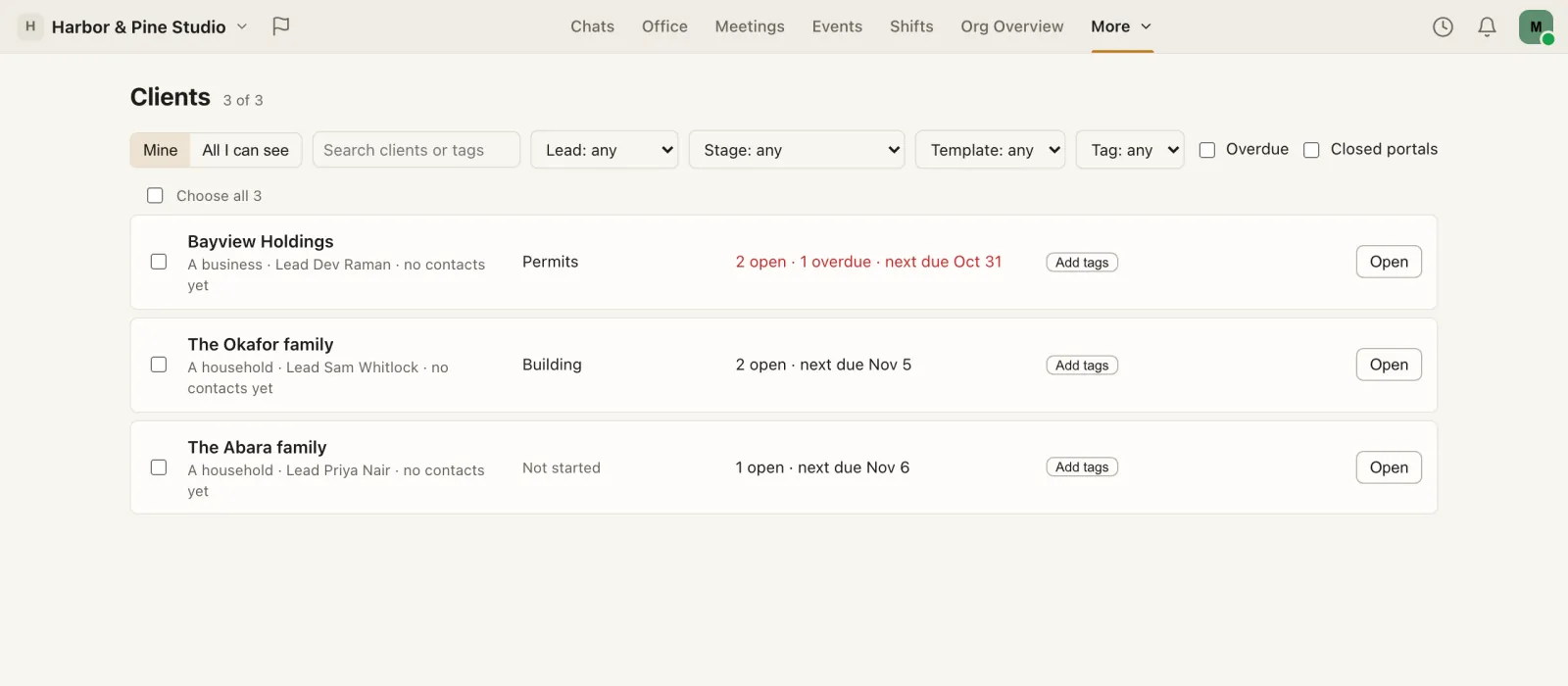
The real Missived app in a demo studio, Harbor & Pine: the Clients page listing three client portals, Bayview Holdings at the Permits stage with 2 open requests and 1 overdue, the Okafor family at Building, and the Abara family not started, each with its lead, filters for lead, stage, template and tag, and an Open button. The real Missived app in a demo studio, Harbor & Pine: the Clients page listing three client portals, Bayview Holdings at the Permits stage with 2 open requests and 1 overdue, the Okafor family at Building, and the Abara family not started, each with its lead, filters for lead, stage, template and tag, and an Open button.

Single sign-on

Business

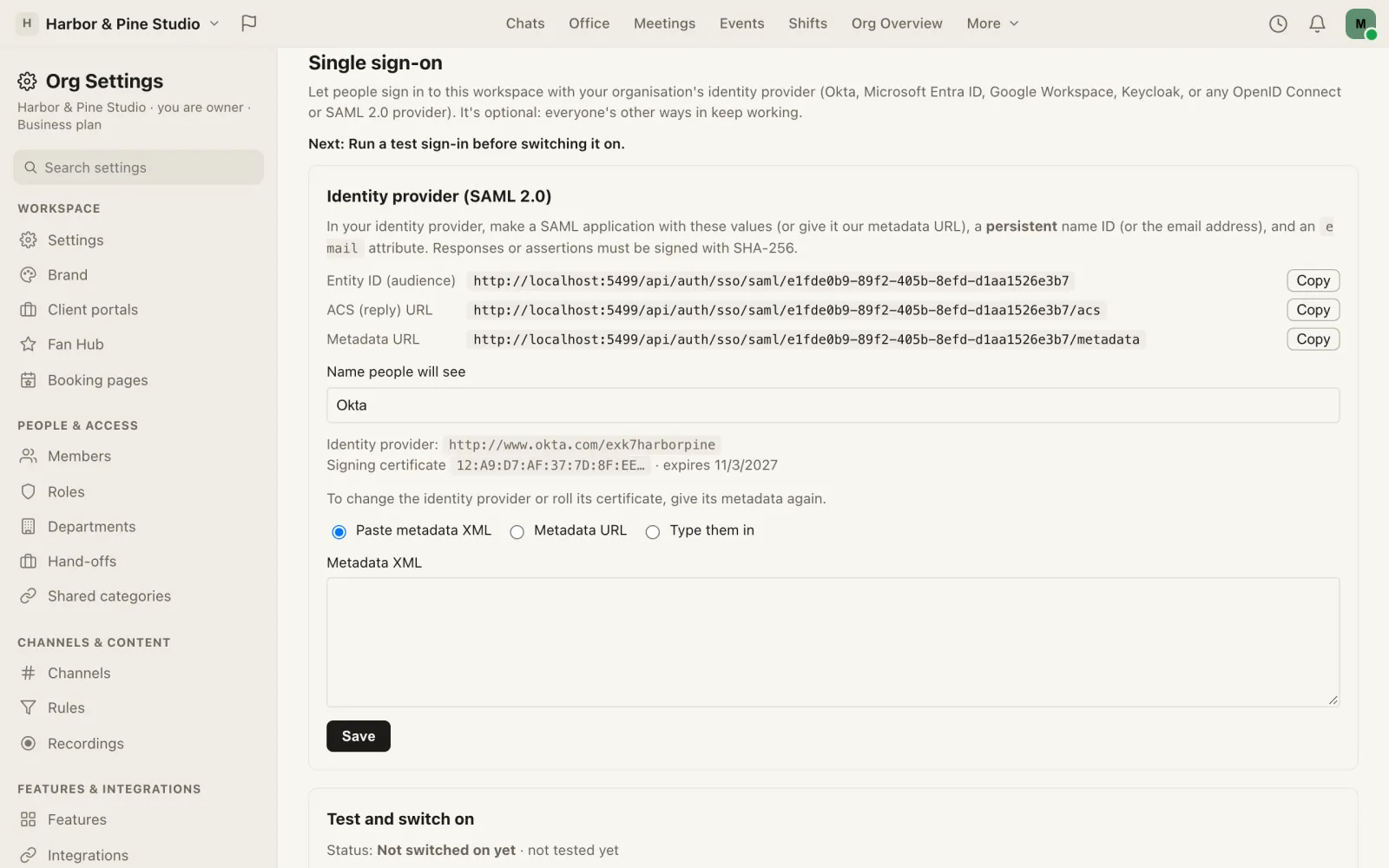
People sign in with your identity provider: Okta, Microsoft Entra ID, Google Workspace, Keycloak, or any OpenID Connect or SAML 2.0 provider.

  • Run a test sign-in before it's switched on, and again whenever the provider changes.
  • Verify your domain with a DNS record, and accounts can be made on first sign-in for people on it.
  • Require it for members on your domains when you're ready. Owners keep their own way in, so nobody is locked out.
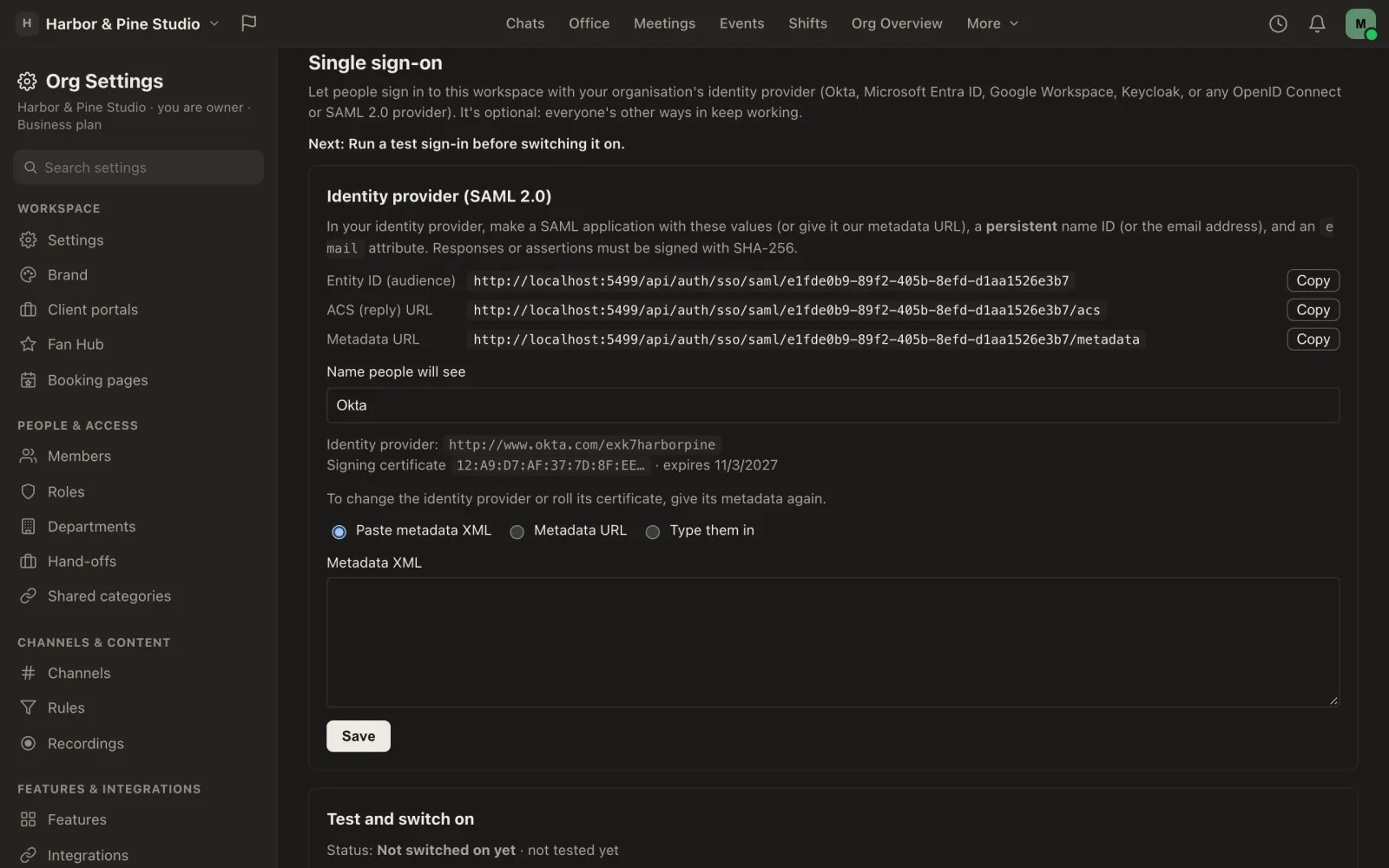
The real Missived app: Org Settings, Single sign-on, with a SAML 2.0 identity provider named Okta: the entity ID, reply URL and metadata URL to copy into the provider, the provider's signing certificate and when it expires, and a note to run a test sign-in before switching it on. The real Missived app: Org Settings, Single sign-on, with a SAML 2.0 identity provider named Okta: the entity ID, reply URL and metadata URL to copy into the provider, the provider's signing certificate and when it expires, and a note to run a test sign-in before switching it on.

Also only on Business

  • Tables

    Business

    Typed columns, formulas, row history and cards on phones, with Excel and CSV in and out. Publish a view to a partner and they see only their rows and columns.

  • A named account rep

    Business

    A person at Missived who welcomes you, helps you get set up and checks in. They see counts and names, never your messages or files, and every look is in your audit log.

  • Call recording

    Business

    Hosts record voice channels, Stages and meetings, everyone is told, and recordings can copy to your own Google Drive or OneDrive. 50 hours a month.

  • E-signatures Coming soon

    BusinessComing

    Send a PDF to be signed, in order, by people with no account. Built, and switched off until our lawyer has reviewed it.

  • Category hand-offs

    Business

    Give someone a category to run for a while, with an end date, without making them an Admin.

  • Room to grow

    Business

    300 in voice at once, files up to 1 GB, 10 GB of storage and 5 guest seats per paid user, an app allowlist, and two Huge office floors.

On every plan

Records and controls you'd expect

  • Audit log

    Every plan

    Who changed what, kept for a year, and streamed to your own tools: ten destinations on Business.

  • Encryption at rest

    Every plan

    Every workspace's messages are sealed with its own key, which Owners can rotate, and files are encrypted before they reach storage.

  • Workspace export

    Every plan

    Owners download the whole workspace as a zip, any time; anyone can download their own data.

  • Roles and permissions

    Every plan

    Owners, Admins, Members and custom roles, with channel overrides. Guests reach only the categories you choose.

The next plan up

When you need an agreement around it: Enterprise

What Enterprise adds
  • A dedicated server instance: your own Missived servers, run and updated by us.
  • Bigger Stages and meetings, sized with you.
  • Invoicing, priority support and onboarding, and a data processing addendum once our lawyer has finished it.
Still being built
  • SCIM provisioning and custom retention are in development.
  • $20 per user a month ($16.00 billed yearly), from 50 users.

Enterprise in full · Compare every plan

The plan

Business: per active user, at every size

Business is priced per active user, with guest seats and storage that grow with your team.

  • $10 per active user a month, or $8.00 billed yearly; at least 3 seats ($30 a month).
  • 5 guest seats per paid user, pooled, at least 25. A guest seat is a lasting account for someone outside your team — a subcontractor, a partner, a volunteer coordinator — who gets into the workspace categories you choose. People you invite to a one-off meeting by link never use a guest seat.
  • 10 GB of storage per paid user, pooled, at least 100 GB.
  • A named account rep. Someone at Missived who looks after your workspace: a welcome when you start, help getting set up, check-ins now and then, and a direct line by email. They see counts and names (your plan, seats, storage, billing status and the names of your Owners and Admins), never your messages, files or channels, and every time they open your account it shows in your audit log. An Owner can ask them to get in touch only when you ask. What your rep can see (Owners and Admins, in Org Settings).
  • Only what you use. Switch off any feature you don't need in Org Settings (prayer requests, meal trains, looking-for-group…). It's hidden for everyone and nothing is deleted.

Compare every plan · Feature guide

Business

Made forA workplace that runs on Missived every day. Ministry's and Creator's tools, including Bible study channels, plus Tables with shared views, meetings with outside guests, an app allowlist, workflows that run on their own (25 live, 5,000 runs a month), and guest seats and storage that grow with your team, with a named account rep at Missived who welcomes you, helps you get set up and checks in. Priced per active user. Single sign-on with your own identity provider (OpenID Connect or SAML 2.0). Coming soon: unlimited e-signature envelopes (fair use), pending legal review. Only what you use: switch off any feature you don't need in Org Settings (prayer requests, meal trains, looking-for-group…).

People
no practical limit (10,000; talk to us above that)
In voice at once
300
Talking per call
25
Guest seats
5 per paid user, pooled, at least 25
Largest file
1 GB
Storage
10 GB per paid user, pooled, at least 100 GB

Not forBig communities where most people only read and chat: Ministry and Creator are one flat price for exactly that.

Questions

What teams ask

Do meeting guests need an account or an app?

No. They open the link in a browser, give their name and wait in the lobby until a host lets them in. They don't use a guest seat.

What's the difference between a guest and a meeting guest?

A guest seat is a lasting account for someone outside your team — a subcontractor, a partner, a volunteer coordinator — who gets into the workspace categories you choose. People you invite to a one-off meeting by link never use a guest seat.

Do you have SSO?

Yes: single sign-on over OpenID Connect or SAML 2.0 (Okta, Microsoft Entra ID, Google Workspace, Keycloak, ADFS…) is on Business and Enterprise, and Owners can require it for members on your verified domains. SCIM provisioning is in development for Enterprise. Without SSO, people sign in with a password and a second factor, or with Google or Microsoft when we've switched those on.

Can we get our data out?

Yes. An Owner can export the whole workspace as a zip from Org Settings, and anyone can download their own data.

Do you sell data or train AI on it?

No, and we never will. No ads, no trackers, no selling or sharing, no AI training on your content. Our privacy promise.